
This document describes the main features and specifications of the DDiivvXX multimedia player. The player supports various video, audio, and image formats and can be connected to a computer via a USB interface for operation. It features a high-speed USB interface, support for multiple languages, music background with lyrics display, and an elegant streamline aluminum alloy appearance.
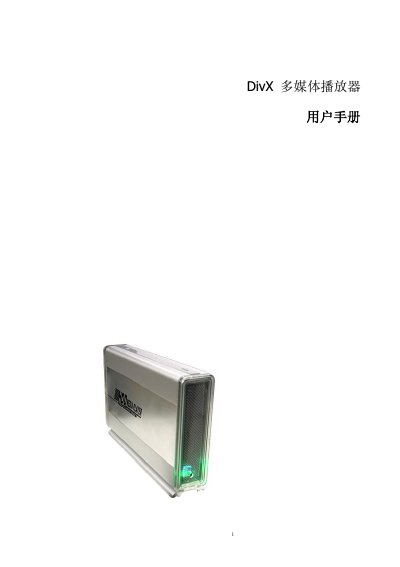
This manual describes the main features of the DivX 2031 multimedia player, including supported video and audio formats, storage options, and connection interfaces. It also outlines safety precautions and required accessories before first use.
Detailed instructions cover external wiring, remote‑control operation, menu navigation for photo, music, and video playback, subtitle selection, file management, and software upgrade procedures. This manual is written in Chinese.
| Dimensions | 192 x 125 x 38 mm |
|---|---|
| Supported video formats | DVD, MPEG1/2/4, DivX, VCD |
| Supported audio format | MP3 |
| Hard disk capacity | 1 – 500 GB |
| Video output | Composite (RCA), S‑Video, VGA |
| Audio output | Stereo 2‑channel (RCA) |
| Operating temperature | 0 °C ~ 55 °C |
| Supported file systems | FAT32, NTFS |
Press the V‑MODE button on the remote to toggle between Composite (RCA), S‑Video, and VGA outputs.
The player supports FAT32 and NTFS file systems.