
This document is the user manual for Nokia E71, version 3.0. It states that the product complies with relevant directives and provides information on trademarks and software licenses.
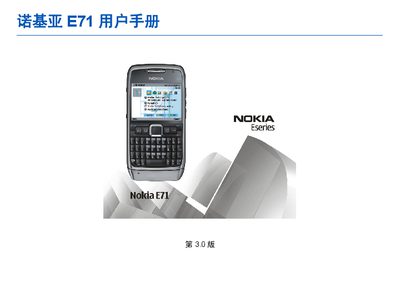
This manual covers safety precautions, device components, and basic operation of the Nokia E71 mobile phone. It includes instructions for inserting the battery and SIM card, charging, and using the built‑in applications such as email, calendar, and multimedia tools.
Further sections describe network services, connectivity options (Bluetooth, infrared, data cable), remote configuration, and detailed troubleshooting steps. The document also provides legal notices, warranty limits, and contact information for technical support. This manual is written in Chinese.
| Supported network bands | 850, 900, 1800, 1900 MHz (E)GSM |
|---|
The manual includes a section titled “How to obtain an English User Guide”.
Follow the instructions in the manual to restore factory settings, which will delete all data on the device.