
This document is an instruction manual for a TFT LCD display, including safety guidelines, accessories, panel controls and terminal interfaces, connecting the LCD TV to various signals, basic adjustments of OSD, PC display mode, VGA connection mode, remote control instructions, product specifications, troubleshooting, video camera, etc.
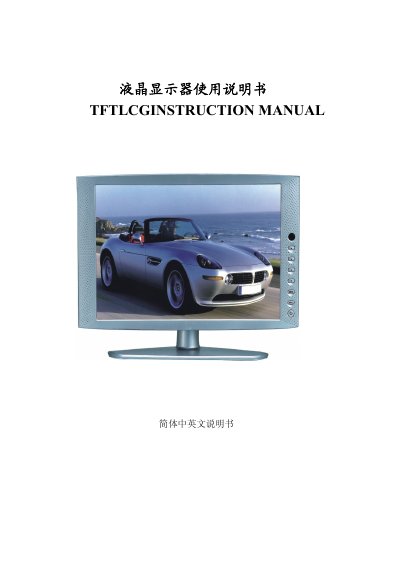
This manual is a simplified Chinese and English user guide for an LCD monitor. It describes safety precautions, supplied accessories, panel controls and terminal interfaces, and connections to computers, AV devices, and TV signals.
It also explains OSD adjustments in PC, AV/S-Video/YPbPr, and TV modes, lists supported PC display modes and VGA connector pin assignments, and describes remote control use. Product specifications and troubleshooting are included in the document. This manual is written in Chinese.
| Power input | DC 12 V |
|---|---|
| Supported PC resolutions | 640x480, 800x600, 1024x768, 1280x1024, 1440x900 |
| Remote control dimensions | 186 x 48 x 17 mm |
| Remote control keys | 47 |
The manual lists 640x480, 800x600, 1024x768, 1280x1024, and 1440x900.
The remote control has 47 keys.
The remote control measures 186 x 48 x 17 mm.