
The ST70 user manual introduces the various functions and precautions of the product, including the appearance, buttons, basic operations, main interface, main functions, firmware upgrade, and common problem solving. The product features a high-brightness capacitive touch LCD screen, multimedia playback function, and internet access function.
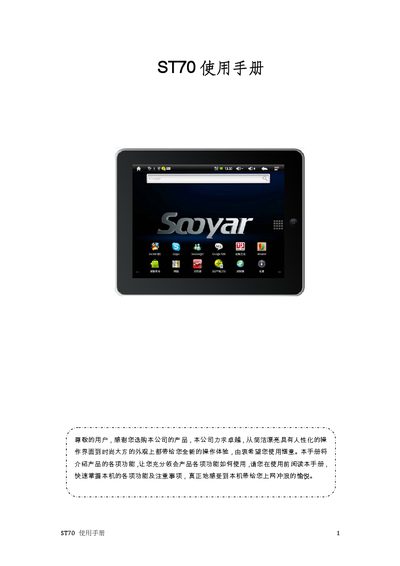
This manual introduces the ST70 tablet’s hardware layout, key functions, and basic operation steps. It covers safety precautions, power management, touch‑screen usage, and how to connect the device to Wi‑Fi, 3G, and a PC via USB.
The document also details system settings, multimedia playback, firmware upgrades, and troubleshooting tips, ending with a technical specifications table for quick reference. This manual is written in Chinese.
| Memory | 1 GB – 16 GB |
|---|---|
| Battery | 4000 mAh |
| Operating System | Android 2.1 |
| USB Interface | USB 2.0 High Speed |
| Video Playback Time | ≈7 hours (Wi‑Fi off) |
| Audio Playback Time | ≈30 hours (Wi‑Fi off) |
Check that the battery has charge and then long‑press the POWER key for 5‑10 seconds to reset and power up.
Make sure the volume is not set to zero and that the headphone plug is fully inserted and clean.
Press and hold the POWER key for about 8‑10 seconds to perform a reset.