
This document provides instructions on how to use the NAUTICUS 3D BEAM software, including creating a model, specifying model properties, describing geometry, specifying boundary conditions, specifying beam profiles and materials, specifying special properties, specifying loads, running the analysis, examining the results, and creating reports. The software is used for beam element analysis.
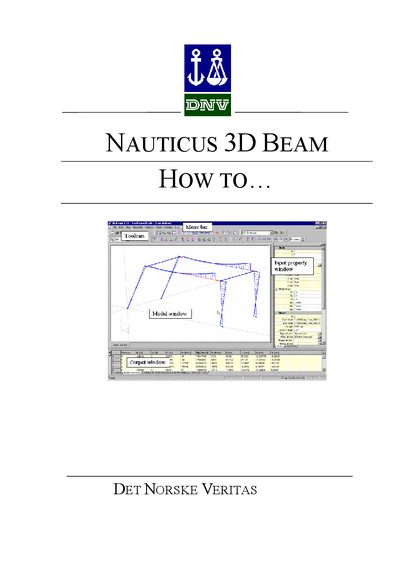
The Nauticus 3D Beam User Manual explains the graphical user interface, including the menu bar, toolbars, model window, input property window, and output window. It guides users through creating, editing, and analyzing beam models, applying loads, boundary conditions, and material profiles.
Additional sections cover managing load cases, generating reports, using shortcut keys, integrating with MS Excel, and operating the software within a Nauticus job. Mouse wheel functions for zooming, rotating, and panning are also described.
Turn the mouse wheel to zoom in or out.
Press Ctrl and turn the wheel to rotate around the vertical axis, or press Shift and turn the wheel to rotate around the horizontal axis.
Use the menu File | Save Copy As… to export the model to a .clb file.