
SmartSound ultrasonic voice prompter is a product that uses advanced ultrasonic ranging technology to realize distance detection between objects and probes. The detection accuracy reaches the centimeter level. The product can not only real-time voice prompt the detected distance state, but also freely set a threshold value. When the threshold value is within the threshold value, it can timely and quickly remind customers to avoid various collisions and friction caused by distance judgment errors.
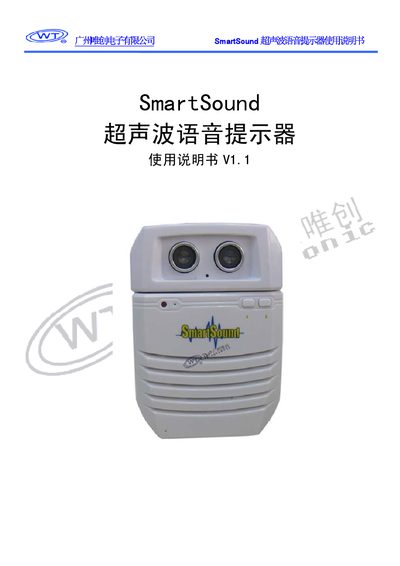
The SmartSound ultrasonic voice reminder is a DC‑5 V powered device that detects distance using ultrasonic ranging and provides real‑time voice alerts. It supports MP3 audio files stored on a TF card (up to 4 GB, FAT/FAT32) and includes a built‑in 2 W/8 Ω speaker.
The manual explains hardware installation, configuration of distance thresholds, mode selection (A/B), voice loading via USB, and typical applications such as advertising displays, touch‑free doorbells, and safety alerts. A FAQ section addresses supported audio formats and troubleshooting. This manual is written in Chinese.
| Supply voltage | DC 5 V |
|---|---|
| Standby current | 20 mA (typical) |
| Play current | 150 mA (typical) |
| Audio output power | 2 W / 8 Ω (typical) |
| Distance detection accuracy | ±5 cm |
| Detection range | 5 cm ~ 300 cm |
| Supported TF card capacity | Up to 4 GB, FAT/FAT32 |
| Supported audio format | MP3 |
No, the device only supports MP3 audio files; WAV files must be converted to MP3 first.