
WebEx online course client operation guide, introduces how to register, join WebEx training courses, and WebEx interface operation
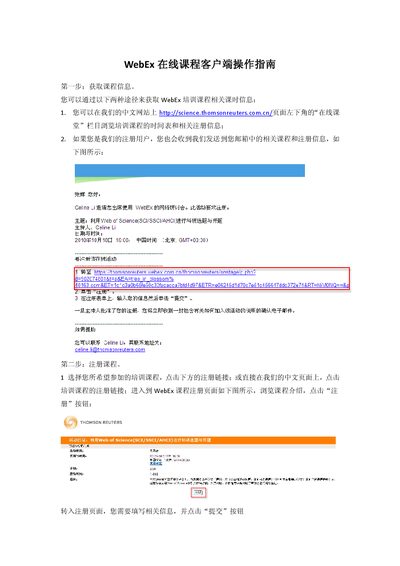
This manual explains how to obtain course information, register for a WebEx training session, and receive confirmation emails. It then walks you through installing the WebEx client, joining the session, and using the interface.
Additional sections cover audio setup with a headset, adjusting volume, and participating in the session via voice or chat, as well as post‑session Q&A procedures. This manual is written in Chinese.
| Installation time | 7‑8 minutes |
|---|---|
| Audio requirement | Headset, ensure computer is not muted |
| Advance join time | Enter at least 10 minutes early |
Fill out the registration form shown on the registration page and submit it; required fields are marked with an asterisk.
Join the session at least ten minutes before the scheduled start time to avoid missing the beginning.
Connect a headset before joining and make sure your computer is not set to mute.
The full installation process takes about seven to eight minutes.