
WH9009 temperature meter product manual, introduces the electrical performance, function description, application range and other information of the temperature meter
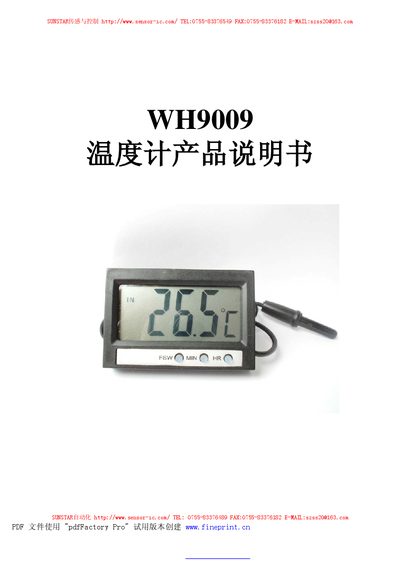
The WHo9009 is a temperature meter designed for both indoor and outdoor use. It features a temperature range of -50°C to 70°C and uses an NTC (10K/3435) sensor. The device operates on a 1.5 V supply with a maximum current of 4 µA and can function in ambient temperatures from 0°C to 50°C, with storage limits of -10°C to 60°C.
The manual explains how to power the device on and off, switch display modes, and set the time. Press the FSW key once to turn on, hold the POWER key for three seconds to turn off, and use the FSW key to toggle between indoor temperature, outdoor temperature, and time display. In time mode, the HR and MIN keys adjust hours and minutes respectively. This manual is written in Chinese.
| Temperature measurement range | -50°C to 70°C |
|---|---|
| Sensor type | NTC (10K/3435) |
| Working voltage | 1.5 V |
| Working current | MAX 4 µA |
| Operating temperature | 0°C to 50°C |
| Storage temperature | -10°C to 60°C |
Press the FSW key once to power on; hold the POWER key for three seconds to power off.
While the device is on, press the FSW key once to toggle among indoor temperature, outdoor temperature, and time display.
In time display mode, press the HR key to increase the hour by one and press the MIN key to increase the minute by one.