
This is the electronic user manual for Philips 19.5 inch color monitor
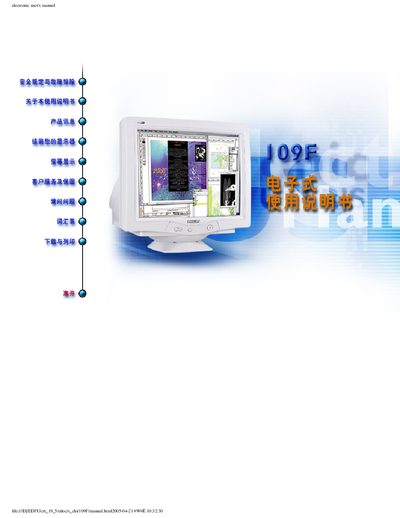
This electronic user manual covers safety precautions, troubleshooting tips, and step‑by‑step installation for Philips 109F colour monitors. It also explains the symbols used throughout the document and lists the warranty and service contact details.
The manual details the monitor’s technical specifications, describes the LightFramer software, its compatible operating systems, and includes a FAQ section that answers common questions about software compatibility and usage. A warranty registration card is provided at the end of the document. This manual is written in Chinese.
| Model numbers | 109F51, 109F57 |
|---|---|
| Maximum scan frequency | 92 kHz |
| Maximum thickness | 449 mm (17.6 in) |
| Certifications | FCC, CE, I50924115014001 |
No. LightFramer is only compatible with the specific Philips monitors it was designed for; older Philips displays are not supported.
No. The upgrade requires a dedicated hardware module that only exists in Philips LightFramer 3 monitors.