
This is the user manual of Panasonic SV-SD750V/SV-SD700 SD card audio player, which introduces the names of various parts of the product, usage methods, precautions, etc.
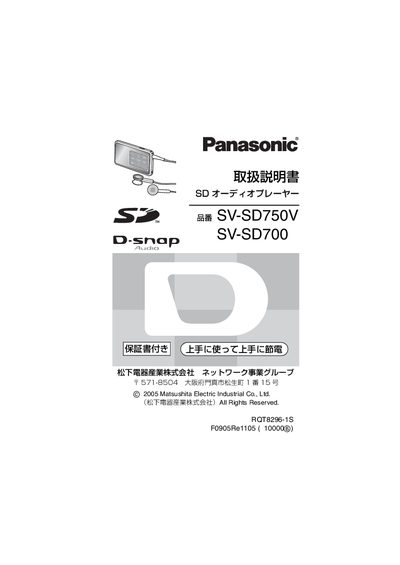
This manual provides detailed instructions for the Panasonic SV‑SD750V and SV‑SD700 SD audio players. It includes safety precautions, a description of all supplied accessories, and step‑by‑step guidance for playing, recording, and managing music files.
The guide also explains how to install the optional SD‑Jukebox software, connect the device to a PC via USB, and outlines warranty and repair procedures for the Japanese market. This manual is written in Japanese.
| Supported file system | FAT12, FAT16 |
|---|---|
| Supported SD card capacities | 8 MB – 5 GB (8 MB, 16 MB, 32 MB, 64 MB, 128 MB, 1 GB, 2 GB, up to 5 GB) |
| Supported card types | SD, miniSD (with adapter) |
The player supports SD cards from 8 MB up to 5 GB, including 8 MB, 16 MB, 32 MB, 64 MB, 128 MB, 1 GB and 2 GB sizes.
SD cards must be formatted with FAT12 or FAT16.
The manual is shared by the SV‑SD750V and SV‑SD700 models.
Insert the included CD‑ROM, run the installer, and follow the on‑screen instructions. Ensure no other applications are running before installation.