
This document is a configuration manual for Rational ClearQuest, including installation, configuration, web server configuration, and client configuration.
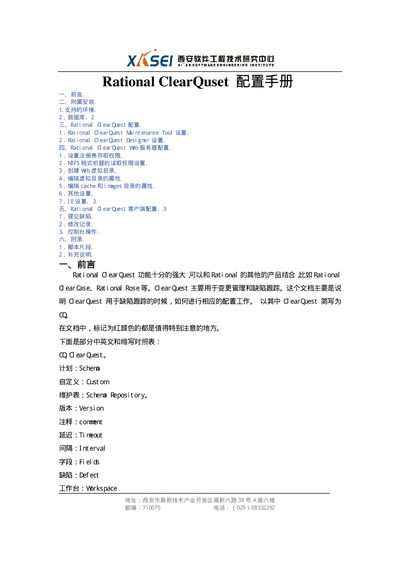
The document explains how to install Rational ClearQuest on supported Windows platforms, including the steps to run the setup program, select custom installation options, and configure the web server components. It also details the creation and connection of schema repositories, database setup for SQL Server and Access, and user account configuration.
Additional sections cover client configuration, web‑client requirements, and optional scripting and supplemental notes. The manual includes a glossary of terms and contact information for the software engineering institute that produced the guide. This manual is written in Chinese.
| Supported operating systems | Windows NT 4.0, Windows 2000, Windows 98, Windows XP |
|---|---|
| Required disk space | Approximately 500 MB |
| Required Internet Explorer version | IE 5.01 or later |
It can be installed on Windows NT 4.0, Windows 2000, Windows 98, and Windows XP.
About 500 MB of hard‑disk space is required.
Internet Explorer version 5.01 or newer is required.
Yes, it supports Microsoft SQL Server (7.0, 2000) and Access 2000, among others.