
VCarServer is a car remote control system that supports command line operations. It can be connected to the system through a Socket, authenticate the user name and password, and then control the car movement or generate images through a series of instructions.
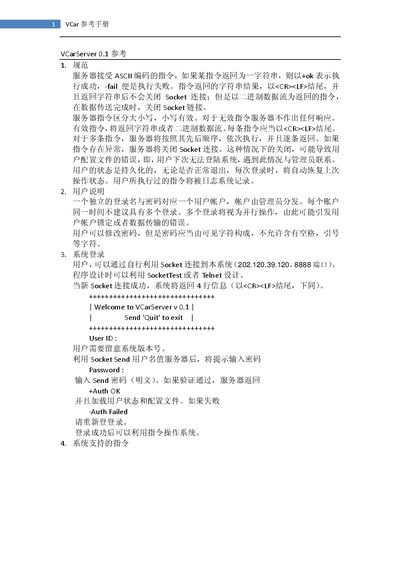
The VCar Reference Manual explains how to interact with the VCarServer 0.1 via ASCII‑based socket commands. It details the command syntax, expected responses, and login procedure, including the default IP address (202.120.39.120) and port (8888). The document also covers user account handling, password rules, and error handling.
The second part of the manual describes the VCarClient library, providing class definitions such as VCarSocket and example code for moving the simulated car, loading maps, generating images, and changing passwords. Known limitations and bugs, such as temporary file conflicts when loading images, are also listed. This manual is written in Chinese.
| Server IP address | 202.120.39.120 |
|---|---|
| Server port | 8888 |
| Server version | 0.1 |
Connect via a TCP socket to IP 202.120.39.120 on port 8888, then send the username and password as plain text.
A successful command returns the string "+ok" (or "+OK" depending on the command).
Send the command "quit" to terminate the session.