
Encore GC (Graphics Controller) is a software program for controlling Encore and ScreenPRO-II video processors and signal routers - without the need for an external control panel. Its intuitive interface simplifies system configuration and offers a complete, cost-effective solution for a variety of display needs.
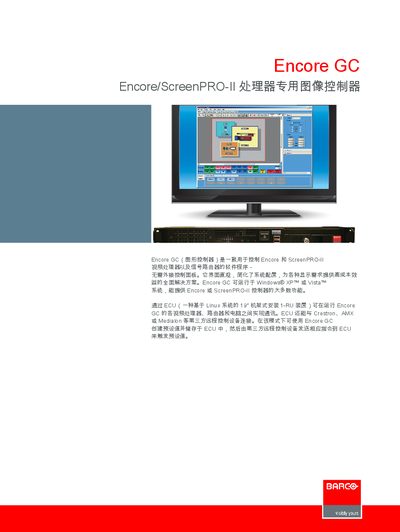
The Encore GC is a software‑based image controller for the Encore and ScreenPRO‑II video processors and signal routers. It runs on Windows XP or Vista and can be operated without an external control panel, offering an intuitive interface for system configuration and display solutions.
The controller communicates with other devices through an ECU (a Linux‑based 1‑RU rack unit) and can be linked to third‑party control systems such as Crestron, AMX, or Medialon. Technical specifications, including dimensions, power requirements, and operating temperature, are listed in the document. This manual is written in Chinese.
| Height | 1.73 inches (4.39 cm) |
|---|---|
| Width | 16.79 inches (42.64 cm) |
| Depth | 18.00 inches (45.72 cm) |
| Power Connector | Standard IEC |
| Power Requirement | 100‑240 VAC, 50‑60 Hz, 1.5‑0.75 A |
| Operating Temperature | 0‑60 °C (32‑140 °F) |
| Supported OS | Windows XP or Vista |
It runs on Windows XP or Vista.
Through the ECU, which can connect to Crestron, AMX, or Medialon.
Visit www.barco.com for the most up‑to‑date information.