
The GP4100 series is a programmable human-machine interface display with a small 3.4-inch size. It is suitable for small machinery, food machinery, packaging machinery, etc. It has a high resolution of 200 X 80 pixels, 16 levels of grayscale, and 3-color backlight mode, which can display small text and multiple values clearly. With graphical display and alarm message display, users can easily grasp the device status and abnormal conditions.
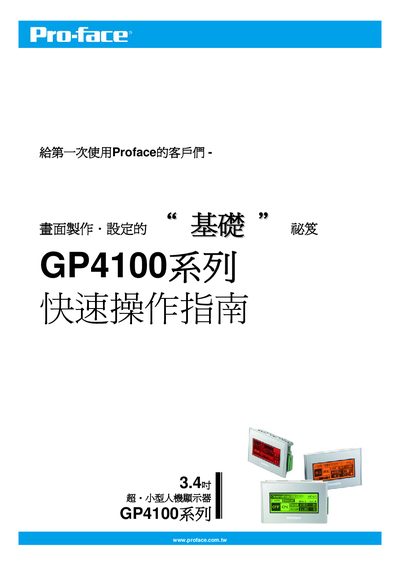
The guide introduces the GP4100 series, a compact 3.4‑inch programmable HMI with a 200 × 80 pixel display. It explains the available USB Type‑A and mini‑B ports and the required GP‑Pro EX software (version 2.6 or later) for creating screens and communicating with PLCs.
Installation steps cover connecting the USB cables, installing the GP‑Pro EX software (including the Limited Edition option), and setting up switches, indicators, and value displays using the Parts toolbox. The document also describes how to create graphics such as bar charts and configure communication interfaces like RS‑232C/RS‑422. This manual is written in Chinese.
| Display size | 3.4 inch |
|---|---|
| Resolution | 200 × 80 pixels |
| USB Type‑A port | Available |
| USB mini‑B port | Available |
Run the setup wizard; after installation the GP‑Pro EX icon appears on the desktop, indicating the software is ready.
The display resolution is 200 × 80 pixels.