
This document is a technical advisory on how to set up IBM continuous-form printers for use with Katun toner and developer.
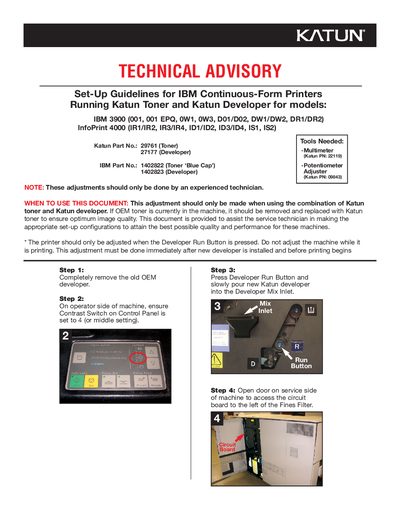
This document provides step‑by‑step set‑up instructions for IBM 3900 continuous‑form printers when the Katun toner and Katun developer are used. It is intended for experienced service technicians and explains when and why the adjustments should be performed.
The procedure covers removing the OEM developer, setting the contrast switch, measuring voltages with a multimeter, and adjusting several potentiometers (VR1, S1, S2) to specified voltage readings. Adjustments must be made after new developer is installed and before any printing begins.
| Contrast Switch setting | 4 (middle) |
|---|---|
| S1 potentiometer voltage | ≈2.4 ±0.1 Vdc |
Adjustments must be done immediately after new developer is installed and before printing begins, and only by an experienced technician.
The adjustments are intended for use with Katun toner and Katun developer.