
This document is the HA456EVAL1 evaluation board user manual, which introduces the features and characteristics of the HA456EVAL1 evaluation board, including functions, applications, ordering information, etc.
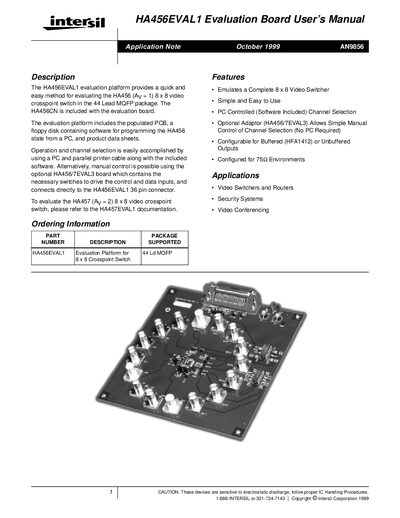
This manual describes the HA456EVAL1 evaluation platform, which includes a populated PCB, a floppy disk with programming software, and data sheets for the HA456 8 × 8 video crosspoint switch. The board can be controlled from a PC via a Centronics‑compatible printer cable or manually with the optional HA456/7EVAL3 adaptor.
The document covers hardware description, default and optional configurations, power connections, jumper settings for parallel and serial programming modes, and detailed software operation procedures. It also provides performance specifications such as bandwidth, gain, and phase characteristics, as well as safety and handling notes.
| Bandwidth | 100 MHz |
|---|---|
| Differential gain | 0.03 % |
| Differential phase | 0.05 degree |
| Power supply voltage | +5 V |
| Minimum supply current | 250 mA |
| Output buffer gain | 2 |
| Input termination | 75 Ω shunt |
| Output termination | 75 Ω series |
| Number of inputs/outputs | 8 × 8 |
| Package | 44‑lead MQFP |
Connect +5 V to the red banana plug, -5 V to the black plug, and GND to the green plug using the three banana plug connectors.
The board can be programmed from a PC using a Centronics‑compatible printer cable and the supplied software, or manually with the optional HA456/7EVAL3 adaptor that provides switches for the control lines.
Set the S/P jumper (JMP2) to GND, the LATCH level jumper (JMP1) to GND, and the CE jumper (JMP3) to V+ (5 V).