
This document is the user manual for ZonicBook/618E IOtech, describing the features and characteristics of the product.
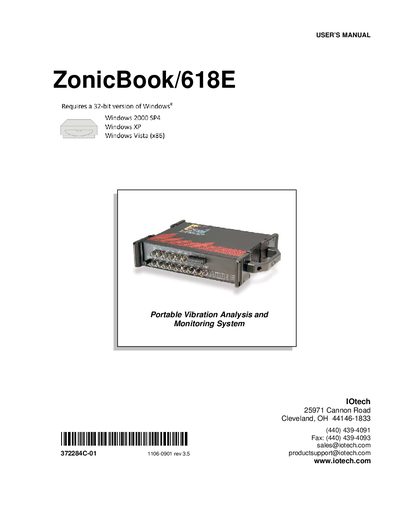
This manual covers the ZonicBook/618E portable vibration analysis and monitoring system, including quick start procedures, hardware connections, software overview, and system configuration. It also contains detailed chapters on analog signals, tachometer channels, trigger and clock inputs, digital I/O, CE compliance, system expansion, and specifications.
Installation steps guide users through software installation, Ethernet networking, power connection, and IP configuration. Additional sections describe troubleshooting, customer support, and optional memory or channel expansion using WBK30 and WBK18 modules.
| Operating System | 32-bit Windows (2000 SP4, XP, Vista) |
|---|---|
| Power Supply | TR-40U Power Supply |
| Network Interface | Ethernet port |
| Memory Requirement | 1 GB RAM, 10 GB disk space |
| Memory Expansion Option | WBK30 Option |
The device requires a 32‑bit version of Windows, such as Windows 2000 SP4, Windows XP, or Windows Vista (x86).
The system is powered by a TR‑40U power supply.