
Introduces the features and characteristics of SMC8724M/SMC8748M switches
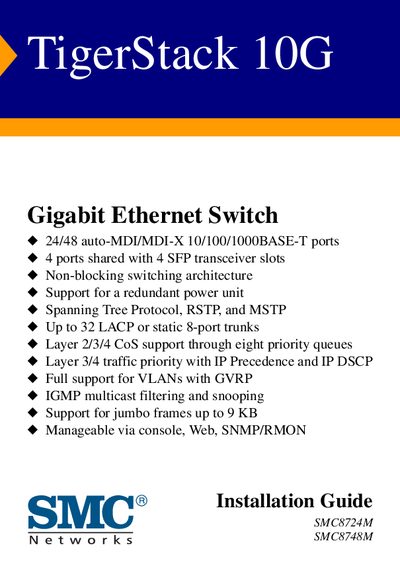
The TigerStack 10G is a Gigabit Ethernet switch offering 24 or 48 auto‑MDI/MDI‑X 10/100/1000BASE‑T ports, four shared SFP transceiver slots, and a non‑blocking switching architecture. It supports redundant power, advanced spanning‑tree protocols, up to 32 LACP or static trunks, and full VLAN, QoS, and jumbo‑frame capabilities, and can be managed via console, web interface, or SNMP/RMON.
The guide also includes warranty information, regulatory compliance (FCC Class A, Industry Canada Class A, CE Mark), and technical support contacts for worldwide customers. Installation notes cover cabling requirements, grounding, and anti‑static precautions.
| Ports | 24/48 auto‑MDI/MDI‑X 10/100/1000BASE‑T |
|---|---|
| SFP Slots | 4 ports shared with 4 SFP transceiver slots |
| Switching Architecture | Non‑blocking |
| Redundant Power | Supported |
| Spanning‑Tree Protocols | STP, RSTP, MSTP |
| Link Aggregation | Up to 32 LACP or static 8‑port trunks |
| QoS | Layer 2/3/4 CoS with eight priority queues |
| Jumbo Frames | Up to 9 KB |
| Management Interfaces | Console, Web, SNMP/RMON |
Use Category 5 or higher twisted‑pair cable for 1000 Mbps (Gigabit) connections, and multimode or single‑mode fiber optic cable for SFP transceiver ports.
The device can be managed via a serial console, a web‑based GUI, or through SNMP/RMON protocols.