
SafeNet Encryptor Model 600 is a secure device produced by SafeNet, Inc. It supports FIPS 140-2 - Level 3 security standard.
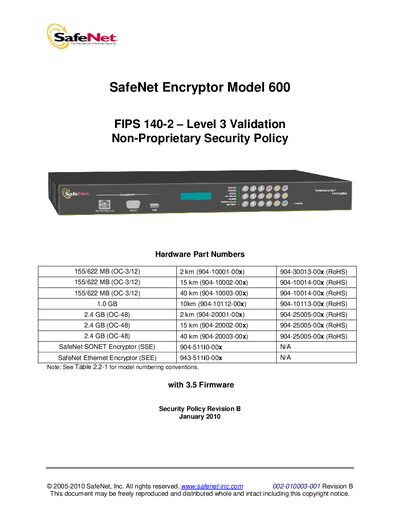
This Security Policy describes the SafeNet Encryptor Model 600, its compliance with FIPS 140‑2 Level 3, and the security rules operators must follow. It provides a functional overview, module description, and details on physical security and self‑tests.
The document lists supported interface speeds, front‑panel connectors, power specifications, and management options, and includes tables of security requirements, algorithms, and self‑test procedures.
| FIPS Validation Level | Level 3 |
|---|---|
| Supported Interface Speeds | 155/622 MB (OC‑3/12), 1.0 GB, 2.4 GB (OC‑48) |
| Power Input | 100‑250 V, 1.5‑0.75 A, 50‑60 Hz |
| Front Panel Ports | Network management, console, USB, LCD display, LEDs, keypad |
| Tamper Protection | Cover removal erases all sensitive information |
It is validated to FIPS 140‑2 Level 3.
If the clock test fails, the date and time are reset to 01‑Jan‑2000 00:00.
Any attempt to remove the steel cover automatically erases all stored sensitive information.
A dedicated Ethernet port or a console port can be used for out‑of‑band management.