
This document is a manual for the LCD Writing Tablet, which introduces the usage and maintenance of the product, as well as how to avoid damage. It also mentions the features of the product, such as the ability to write and draw freely, and easily erase the content. Additionally, it includes the FCC certification and warranty information of the product.
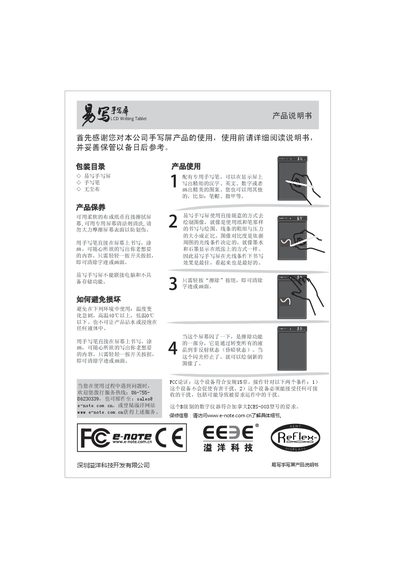
This manual introduces the YIXIE Handwriting Tablet, listing the package contents (handwriting screen, pen, dust‑free cloth) and describing how to write, draw, and erase directly on the LCD surface using the supplied pen. It explains the pressure‑sensitive line thickness and contrast adjustments that mimic ink on paper.
The guide also covers product care (clean with a soft cloth or special cleaner, avoid harsh rubbing), operating limits (temperature 0 °C–40 °C, keep away from water), safety warnings, FCC and Canadian certification, and provides support contact information and warranty details. This manual is written in Chinese.
| Operating Temperature Range | 0 °C to 40 °C |
|---|---|
| Storage Capability | None |
Press the control button to erase the writing or drawing.
Do not use the tablet above 40 °C or below 0 °C, and keep it away from water.