
This document introduces the peripheral accessories and battery replacement methods of W61CA mobile phone.
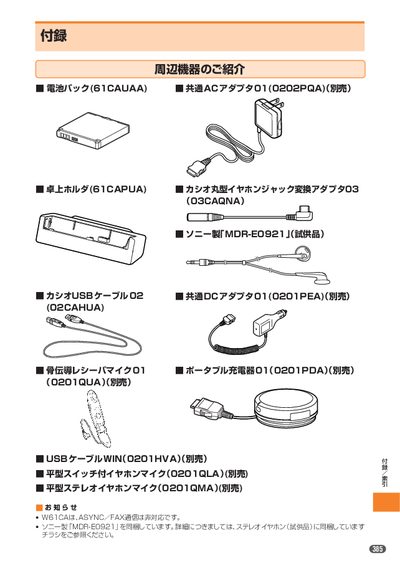
This manual describes how to replace the battery pack on the au W61CA, including sliding the LOCK switch to the FREE position, removing the cover, and inserting a new pack. It also covers the use of optional accessories such as the common DC adapter, earphone adapters, and bone‑conduction receiver microphone.
Additional sections provide troubleshooting tips for common issues (e.g., no display, charging problems, earphone‑mic operation) and information on warranty, after‑service, and the optional "安心ケータイサポート" membership. This manual is written in Japanese.
| Battery pack model | B1CAUAA |
|---|---|
| Common DC adapter model | 0202PQA |
Press the earphone‑mic switch until you hear a short beep; release the switch immediately after the beep to complete the call or end it.