
This manual describes the use of pcIPcard™ IP9001
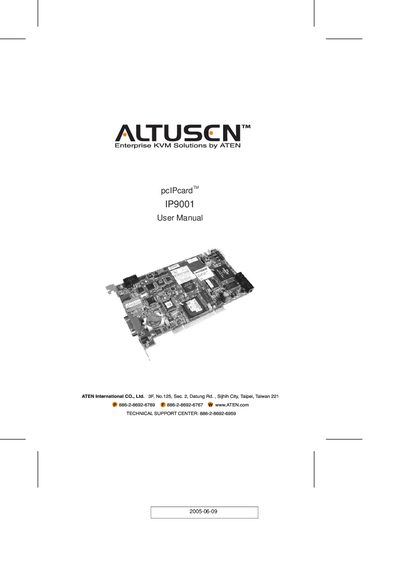
This document provides step-by-step instructions for installing, configuring, and operating the ALTUSEN IP9001 card. It includes details on unpacking, jumper settings, optional components like battery backup and modem daughterboard, and connecting external cables. The manual also covers browser-based operations, remote console redirection, power control, firmware upgrades, and troubleshooting.
The IP9001 is a 32-bit SOC card with 266 MHz processor, 32MB SDRAM, and 16MB flash memory. It supports 10/100 Mbit Ethernet, USB 1.1/2.0 controllers, serial ports, and IPMI 1.5 compliance. It is designed for remote management and console redirection in server environments.
| Processor | 32 bit 266 MHz 400 MIPS |
|---|---|
| Memory | 32MB PC-133 MHz SDRAM |
| Flash Memory | 16 MB; 16 bit |
| Ethernet | 10/100 Mbit |
| Operating Temperature | 0 to 45 degrees C |
| Weight | 128g |
| Dimensions | 18.77 x 12.67 x 0.21cm |
| Power Consumption | 15W (max) |
The standard package includes the IP9001 card, USB cable, feature connector cable, power cord, AC adapter, software CD, user manual, quick start guide, and warranty registration card.
Install the modem daughterboard following the steps in Appendix E, ensuring proper ESD precautions and correct jumper settings.
The operating temperature range is 0 to 45 degrees C.
Log in via the browser, navigate to the Remote Console section, and start redirection using the toolbar icons.