
NeChip™ User Configuration Manual introduces the function features, product characteristics, network protocols of NeChip series full-system embedded network single-chip, and describes in detail the software configuration instructions, web page configuration instructions, and Telnet configuration.
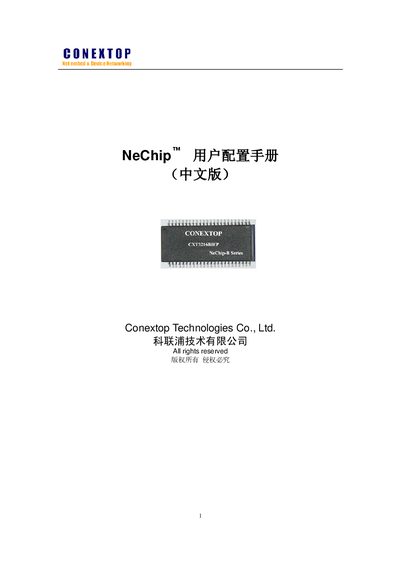
This manual describes the NeChip series embedded network system‑on‑chip, including its hardware features, supported interfaces, and power specifications. It explains how to configure network parameters such as IP address acquisition, static IP settings, Ethernet and serial port options, as well as advanced services like DNS, SMTP, FTP, and SSL/TLS.
The document also covers software tools for configuring the device, procedures for resetting to factory defaults, firmware upgrade methods, and provides a detailed selection table with memory, interface, and protocol options for different NeChip variants. This manual is written in Chinese.
| CPU core | ARM7TDMI |
|---|---|
| Maximum CPU frequency | 70 MHz |
| Flash memory | 256 KB / 512 KB |
| SRAM | up to 256 KB |
| Ethernet interface | 10/100 M MAC + PHY with DMA |
| Serial ports | up to 5 high‑speed UARTs |
| Maximum UART baud rate | 921 600 bps |
| Power supply | 3.2 V – 3.45 V |
Select the “Load Factory Default” option in the configuration menu to restore the device to its original settings.
NeChip supports automatic IP acquisition, static IP configuration, Ethernet (10/100 M), and can be managed via a web interface, Telnet, or command‑line tools.