
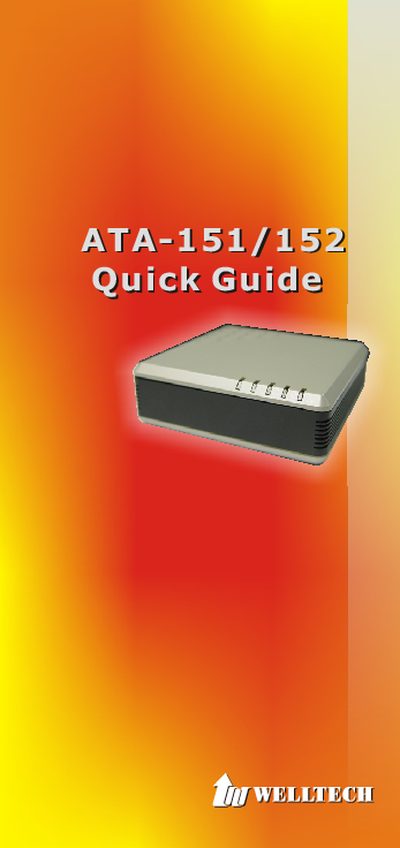
The guide explains the required items and steps to install the ATA‑151/152 devices. You need a PC with network access, an Ethernet RJ‑45 cable, an RJ‑11 telephone cable, and the supplied 12 V 1 A power adapter. After connecting the cables, verify the LED indicators for power, network, PC, and phone status.
Configuration is performed through a web interface at 192.168.123.123 using the username "root". The installation wizard lets you choose between Static IP, DHCP, or PPPoE network modes, and you can adjust settings such as IP address, subnet mask, and gateway. Indicator lights provide status feedback for power, network, registration, and phone activity.
| Power Adapter | DC 12 V, 1 A |
|---|---|
| Network Interface | Ethernet RJ‑45 |
| Phone Interface | RJ‑11 |