
263 mail added group, reply/forward mark, email search, package download function
The manual explains the new Webmail functions that help users manage their email more efficiently. It covers mail grouping by sender or date, the default sorting behavior, and how to expand or collapse groups.
Additional sections describe the reply/forward markers that indicate message status, the enhanced search criteria for locating specific emails, and the batch download feature that packages multiple attachments into a zip file for easy saving. This manual is written in Chinese.
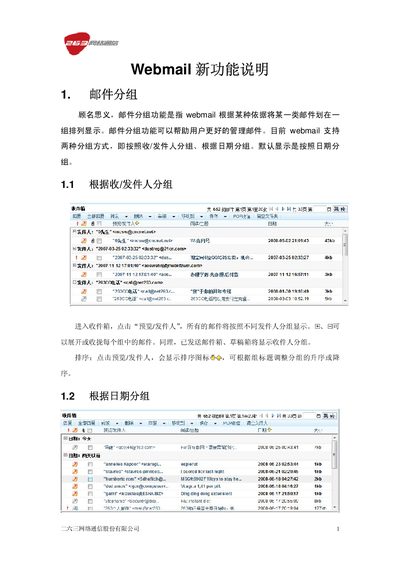
Select the “Group by Sender/Recipient” option, and Webmail will display emails grouped under each sender.
Webmail records and sets a flag on messages that have been replied to or forwarded, showing the status with an icon.
Use the search function to set criteria such as sender, recipient, subject, attachment presence, and date range, then run the search.