
QUPT2 USB2.0 TESTER Supplement 2 provides a description of the USB2.0 4 PORT HUB test, including fixture configuration, connection method, test program commands and operation methods
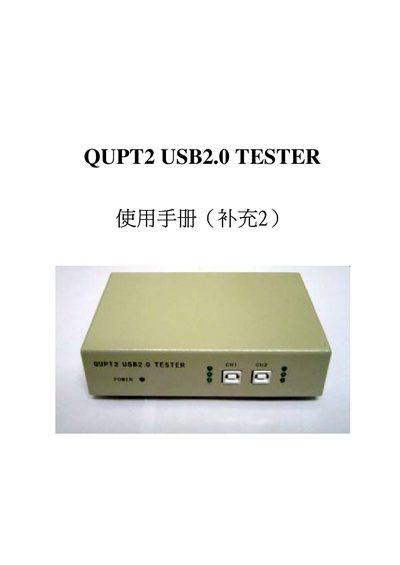
This manual describes the QUPT2 USB2.0 Tester, a rapid testing device for USB2.0 host controllers and hubs. It details the hardware connections, required power setup, and the software commands used to generate test files and execute transfer tests.
Step‑by‑step instructions cover creating test files, running Control, Bulk, Isochronous and Interrupt transfer tests, checking Vbus and D+/D‑ signals, and using the built‑in help command. The document also provides guidance for testing a hub with a single tester by performing two separate test runs. This manual is written in Chinese.
| Supported transfer types | Control, Bulk, ISO, INT |
|---|---|
| Supported signal lines | Vbus, D+, D‑ |
| Number of USB ports tested simultaneously | 2 |
| Device type | USB2.0 hub and port tester |
Insert the supplied floppy, boot to DOS, and run the command `utp220-e /ce [filename]`.
Enter `nutp220 /?` at the DOS prompt to display the help screen.
Yes, but you must perform the test in two separate runs, creating separate test files for each set of ports.
Two testers can share a single regulated power supply, connected via the short‑circuit power leads on the rear panel.