
This document introduces the use of IC-PROG programming software, including software settings, hardware connections, starting programming software, selecting devices and burning configurations, option settings and programming.
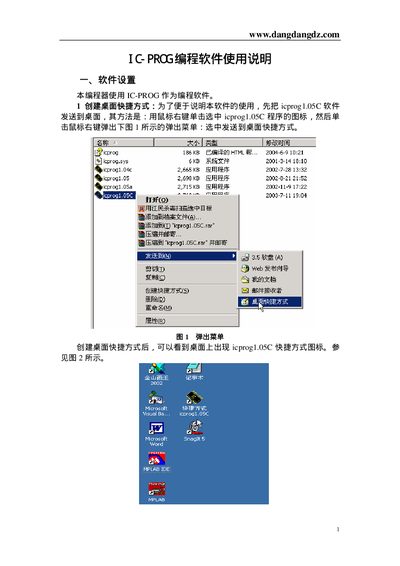
This manual describes how to install the IC-PROG software, connect the programmer to a PC via the serial port, and configure the appropriate driver for Windows 98, Windows 2000/XP, or later systems. It also covers selecting the target device, setting fuse options, and using the software's main interface to load and program files.
Additional sections detail supported PIC devices, fuse configuration for specific chips, and troubleshooting tips such as handling unstable programming conditions and resetting the programmer after driver installation. This manual is written in Chinese.
| Software version | 1.05C |
|---|---|
| Supported device (example) | PIC16F84A |
Connect the programmer's serial port to the computer's serial port, making sure the connector genders match; the programmer draws power from the PC’s serial port.
In the interface dropdown, choose "Windows APT" for Windows 2000/XP systems and enable the NT/2000/XP driver.
Cancel the WDT fuse in the fuse settings dialog; this removes the watchdog timer function for the PIC16F84A.