
This manual introduces the #61-844 product usage method, including safety warnings, product features, usage instructions, menu structure, settings options, image browsing, time and date settings, and language selection.
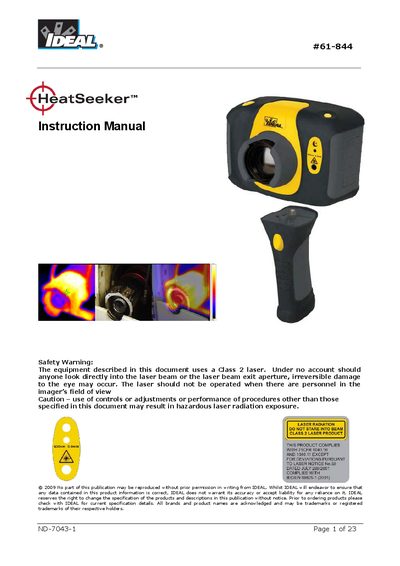
This manual covers safety information, contents of the case, main features and controls, and step‑by‑step instructions for getting started with the IDEAL ND-7043-1 thermal imaging camera. It explains how to switch the camera on, focus, capture images, add captions, and use the menu system.
The document also includes detailed technical specifications such as temperature range, detector resolution, frame rate, battery life, and dimensions, as well as guidance on aligning visible and thermal images and using the built‑in laser pointer.
| Temperature range | -10°C to +350°C |
|---|---|
| Field of view (FOV) | 20° x 20° |
| Spectral response | 8 µm to 12 µm |
| Detector resolution | 47 × 47 pixel array |
| Frame rate | 8 Hz |
| Focus range | 0.5 m to infinity |
| Battery operation time | Up to 6 hours continuous operation |
| Image storage capacity | Up to 1 000 images on supplied SD card |
| Dimensions (excluding handle) | 130 mm × 95 mm × 90 mm |
| Weight | 0.70 kg |
A fully charged battery will last approximately 6 hours.
The camera measures temperatures from –10 °C to +350 °C.
Up to 1 000 images can be saved on the supplied SD card.