
DocuPrint C525A color laser printer is a high-performance, high-value color laser printer. It prints black and white at 25 pages per minute and color at 5 pages per minute, and comes with 64 MB of memory to print complex color documents. An optional automatic double-sided printing can save paper and easily create professional documents.
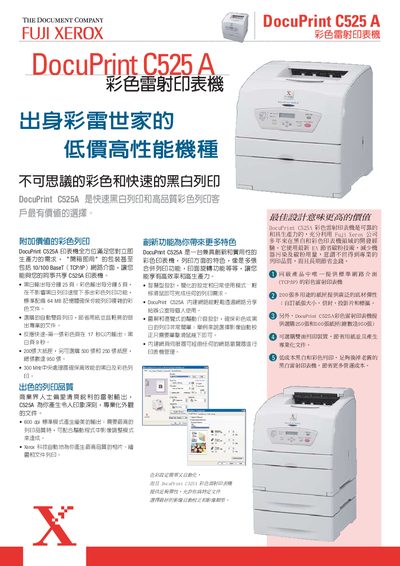
This manual introduces the Fuji Xerox DocuPrint C525A color laser printer, highlighting its high‑speed printing, low‑cost operation, and network‑ready features. It covers basic functions, paper handling options, and the built‑in web management interface.
The guide also details installation steps, connectivity options (Ethernet, USB), power consumption, and technical specifications such as print speed, memory, and monthly duty cycle, helping users configure and maintain the printer efficiently. This manual is written in Chinese.
| Print speed (black) | 25 ppm |
|---|---|
| Print speed (color) | 5 ppm |
| First color page print time | 17 seconds |
| Standard memory | 64 MB |
| Processor speed | 300 MHz |
| Maximum monthly print volume | 30,000 pages |
| Standard paper tray capacity | 200 sheets |
| Optional paper tray capacity | 500 sheets |
| Maximum paper capacity | 960 sheets |
| Power consumption (printing) | < 280 W |
It prints at 25 ppm in black and 5 ppm in color.
The first color page is printed in about 17 seconds.