
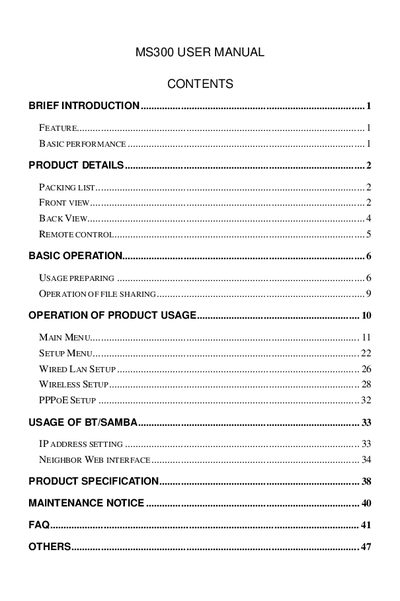
This document is the user manual for MS300, which introduces the features and basic performance of the product, as well as the preparation and operation methods.
The MS300 is a cylindrical multimedia player with an LCD monitor that plays a wide range of video, audio, and image files. It offers multiple ports including HDMI, composite AV, optical audio, USB host, and supports network connectivity via WLAN (optional) or RJ45. The device can browse the internet, download movies, and display high‑definition video up to 1080p.
The manual covers power connection, remote control functions, AV/HDMI/Optical output setup, network configuration (WLAN, PPPoE), file sharing via BT/Samba, and provides a FAQ section for common issues such as restoring factory defaults and USB disconnection problems.
| Supported video formats | AVI, MPG, TS/M2TS/TP/TRP, ISO, IFO, VOB, DAT, MP4, MOV, WMV, MKV, RM/RMVB, FLV |
|---|---|
| Supported audio formats | MP3, WMA, WAV, AAC, OGG, Dolby Digital, DTS Digital |
| Supported image formats | JPG, BMP, PNG, GIF |
| HDMI output resolution | Full HD 1080P (1920x1080) |
| Network connectivity | WLAN (IEEE 802.11 b/g/n, optional) and RJ45 10/100Mbit/s |
| USB host capability | Supports USB mass storage devices |
| External DVD support | USB external DVD drive |
During initialization the player sets video parameters, which can cause a brief flash, blue screen, or screensaver on the TV; this is normal behavior.