
Nokia N8-00 user guide, introduces the basic operation of the phone, including power on, power off, insert and remove SIM card, storage card, as well as volume, speaker control methods.
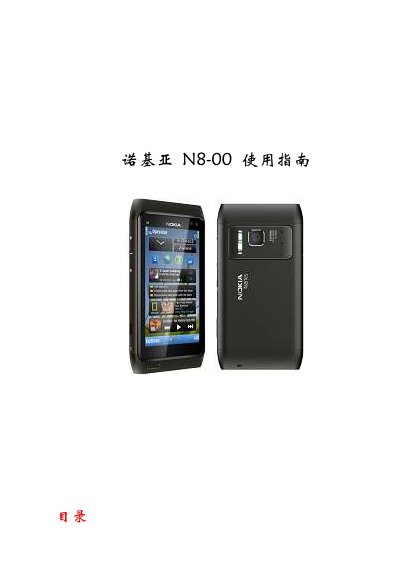
This guide covers safety information, basic operation, and device configuration for the Nokia N8-00. It explains the layout of buttons and components, how to control volume and speaker, lock or unlock the screen, and use the touch screen.
The manual also details how to insert and remove SIM and storage cards, charge the phone with a Nokia charger or USB cable, reset the device when it stops responding, and install the Nokia OVI suite on a computer for contact and media synchronization. This manual is written in Chinese.
| Battery type | 内部可充电电池 |
|---|
Open the SIM card slot cover with your fingernail, then insert the SIM card into the slot as shown.
Use a Nokia‑specified charger or connect the device to a PC with a USB data cable; the charging indicator will show USB when charging via USB.
Press and hold the power button for about 8 seconds until the device vibrates three times, then release to restart.
Connect the phone to the computer with a standard USB cable, run the OVI installer (Install_nokia_OVI_suite.exe), and follow the on‑screen instructions.