
This document is a quick start guide for CASIO E-3000, which introduces the names of various parts of the device and how to perform initial settings. It also introduces how to connect to the computer
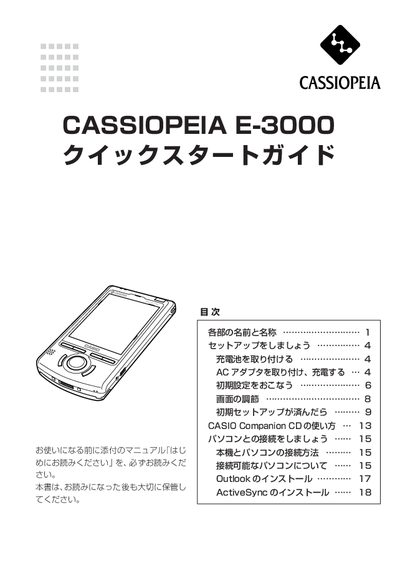
This guide walks you through the initial setup of the Casio E-3000, including attaching the backup battery, connecting the AC adapter, and performing the first‑time configuration. Detailed instructions cover button functions, stylus use, and touchscreen calibration.
Additional sections explain how to use the CASIO Companion CD, connect the device to a PC, and install required software such as Outlook and ActiveSync. Safety notes and troubleshooting tips are included throughout. This manual is written in Japanese.