
This document introduces the features and characteristics of the Total System Solution series products, including integrated system control, camera control, and recorder control for different devices.
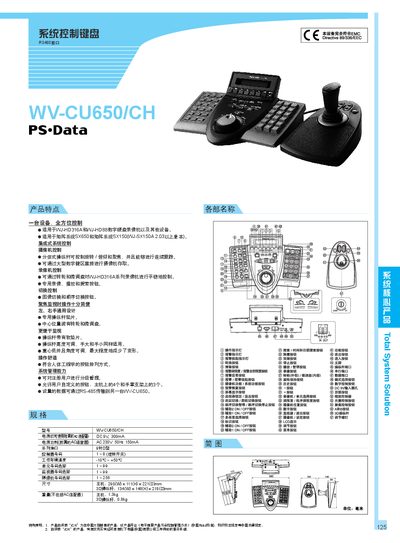
The WV CU650/CH is an integrated system‑control keyboard designed for use with WJ‑HD316A, WJ‑HD88 VTRs and matrix systems SX650/SX150. It features an RS‑485 interface, ergonomic button layout, and adjustable 3‑D joystick for camera pan/tilt/focus control.
The manual details power options (AC 230 V 50 Hz 150 mA or DC 9 V 300 mA), environmental limits (‑10 °C to +50 °C), connector type (9‑pin D‑sub), and dimensions (main unit 290 × 111 × 221 mm, joystick 134 × 146 × 218 mm). It also lists configurable address ranges for controllers, monitors and cameras. This manual is written in Chinese.
| Interface | RS‑485 |
|---|---|
| Power supply (AC) | 230 V 50 Hz 150 mA |
| Power supply (DC) | 9 V 300 mA |
| Controller number range | 1‑8 |
| Operating temperature | -10 °C to +50 °C |
| Unit number selection | 1‑99 |
| Monitor number selection | 1‑99 |
| Camera number selection | 1‑256 |
| Main unit dimensions (W×H×D) | 290 mm × 111 mm × 221 mm |
| Joystick dimensions (W×H×D) | 134 mm × 146 mm × 218 mm |
| Main unit weight | 1.3 kg |
| Joystick weight | 0.8 kg |
It uses an RS‑485 interface.
The keyboard can be powered by an AC adapter (230 V 50 Hz 150 mA) or a DC source (9 V 300 mA).
The device operates between –10 °C and +50 °C.
Up to 256 camera numbers can be selected.