
How to flip objects in PowerPoint
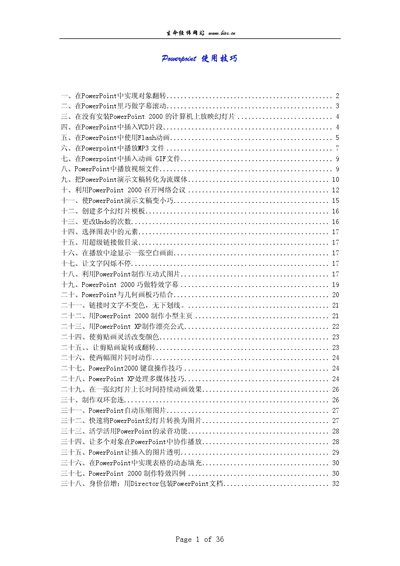
This manual provides practical instructions for PowerPoint users, covering a wide range of techniques from basic object transformations to advanced multimedia integration. Each section includes detailed steps, screenshots and animation settings to help readers implement the described effects.
The guide also explains how to run presentations on computers without PowerPoint installed using the Microsoft PowerPoint Viewer, and offers advice on reducing file size, creating templates, and combining PowerPoint with other tools like Director. This manual is written in Chinese.
| Supported version | PowerPoint 2000 |
|---|---|
| Supported version | PowerPoint 2002 |