
ARX series product literature, introducing the features and advantages of ARX series products, including reducing storage costs, optimizing backup, maximizing the value of existing storage, simplifying management, improving flexibility and increasing options.
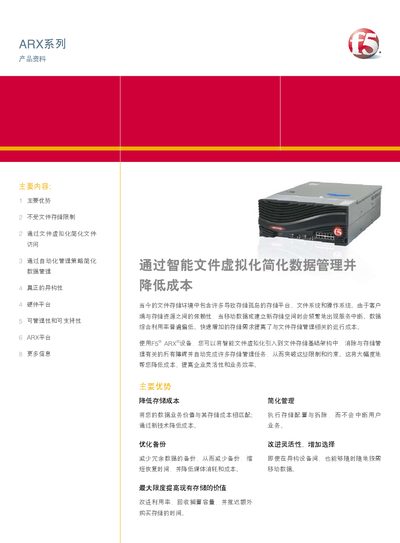
The ARX series provides intelligent file virtualization that removes storage limits, enables non‑disruptive data migration, and automates tiering and capacity balancing across heterogeneous NAS platforms. It supports standard CIFS and NFS protocols and presents a global namespace for seamless logical access to physical storage.
Four hardware platforms (ARX500, ARX1000, ARX2000, ARX4000) offer varying performance and scale, with specifications such as up to 12 Gbps throughput, redundant hot‑plug power supplies, and 10 GbE connectivity. The solution includes a GUI/CLI management interface, SNMP monitoring, and extensive logging for enterprise‑grade support. This manual is written in Chinese.
| Maximum Gigabit Ethernet ports (ARX4000) | 12 |
|---|---|
| Maximum 10 GbE ports (ARX4000) | 2 |
| Maximum throughput (ARX4000) | 12 Gbps* |
| Redundant hot‑plug power supplies | Yes |
It uses the industry‑standard CIFS and NFS protocols for Windows, Unix, and Linux clients.
Automated policies move data between heterogeneous storage devices without impacting users or applications.