
The APC-TMS 2000 series fan coil temperature controller adopts advanced electronic control technology, a large LCD display screen, elegant design, and is easy to use. The operating mode can be selected by pressing the button, and it has low temperature protection and temperature calibration functions.
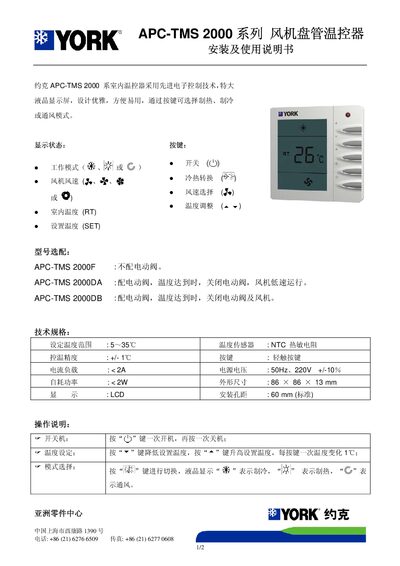
This manual provides step‑by‑step instructions for installing the York APC‑TMS 2000 fan coil thermostat, including wiring diagrams for connecting the fan and optional electric valve. It details the required power supply, mounting hole spacing, and physical dimensions.
The guide also explains how to operate the device: selecting heating, cooling or ventilation modes, adjusting temperature, choosing fan speed, and using functions such as low‑temperature protection and temperature calibration. Technical specifications and key parameters are listed for reference. This manual is written in Chinese.
| Set temperature range | 5–35 °C |
|---|---|
| Temperature sensor | NTC thermistor |
| Current load | < 2 A |
| Power supply | 220 V AC, 50 Hz, ±10 % |
| Self‑consumption power | < 2 W |
| Dimensions | 86 × 86 × 13 mm |
| Installation hole spacing | 60 mm (standard) |
Press the power key once to turn it on, and press it again to turn it off.
Press the “6” key to lower the temperature and the “5” key to raise it; each press changes the setting by 1 °C.
In automatic mode, the fan speed changes based on the temperature difference: over 1 °C selects low speed, over 2 °C selects medium, and over 3 °C selects high speed.