
This is a camera user manual, which introduces the components of the camera, installation methods, battery charging, power on, language selection, date and time settings, software installation and other contents
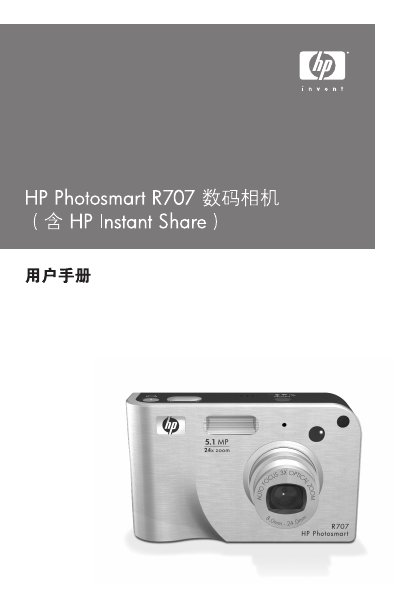
This is the user manual for the HP Photosmart R707 digital camera, provided in Chinese. It explains getting started, installing batteries and memory cards, turning on the camera, selecting a language, and setting the date and time.
The manual also covers taking photos and recording video clips, viewing images, using HP Instant Share, transferring and printing images, setup menu options, troubleshooting and support, battery management, accessories, and technical specifications. This manual is written in Chinese.
| Still photo resolution | 5.36 MP (2690 x 1994) total pixels |
|---|---|
| Effective pixels | 5.14 MP (2612 x 1968) |
| Optical zoom | 3x |
| Digital zoom | 8x |
| Internal memory | 32 MB flash |
| Memory card support | SD and MMC up to 2 GB |
| Video frame rate | 30 fps |
| USB port | USB Mini-AB |
| DC input | 3.3 Vdc, 2500 mA |
It supports Secure Digital (SD) and MultiMediaCard (MMC) cards of 8 MB or larger, up to 2 GB.
Yes, the camera has a standard orientation sensor.
Camera reset instructions are in the troubleshooting section on page 116.
Video clips use 320 x 240 total pixels.