
LTC 8900 Series User Manual. It is a Chinese version of the user manual.
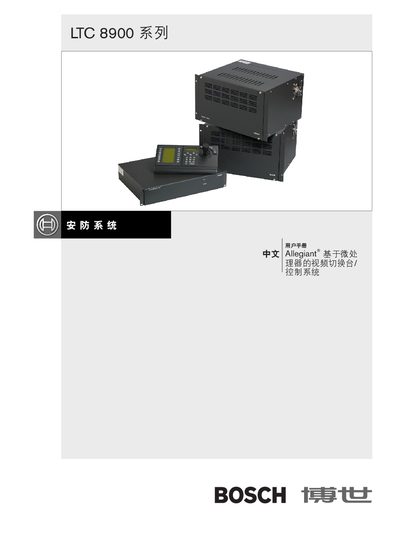
This manual describes the LTC 8900 Allegiant series video switch and controller system, covering its hardware features, user interface, and system operation. It includes details on the video monitor display area, keyboard operation, user priority levels, and alarm handling.
The document also explains configuration via the PC‑based control software, RS‑232 communication, and programmable options such as camera subtitles, alarm response modes, and sequence programming. Safety and maintenance procedures are provided at the end of the manual. This manual is written in Chinese.
| Maximum cameras supported | 4096 |
|---|---|
| Number of keyboards | 64 |
| Alarm inputs | 2048 |
| User priority levels | 64 |
| Programmable sequences | 256 |
| RS‑232 interface | Available |
| Camera subtitle length | 16 characters |
| Monitor subtitle length | 12 characters |
| Time format options | 12‑hour or 24‑hour |
The system can handle up to 4096 cameras.
The system includes an RS‑232 interface for PC and printer connections.
There are 64 user priority levels that control access to system functions.
Yes, the time display can be set to either 12‑hour or 24‑hour format.