
DocuCom PDF Driver software installation and operation guide, introduces software installation, use PDF file format conversion function and other content
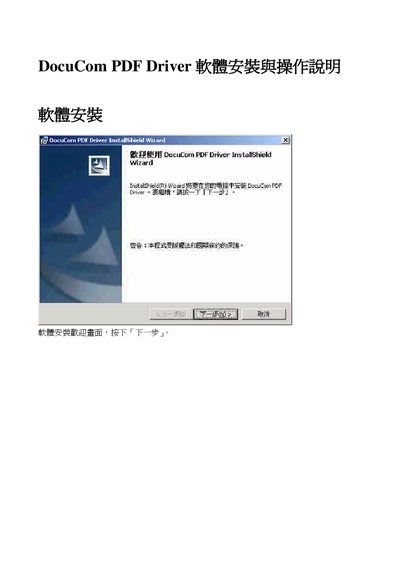
This manual guides users through the DocuCom PDF Driver installation wizard, including entering user name and organization information, selecting the desired installation type, and completing the setup. The wizard prompts for required fields and confirms the installation progress.
After installation, the document explains how to use the PDF Driver to generate PDF files, configure printing options, and access advanced settings such as file naming and output paths. This manual is written in Chinese.
Launch the InstallWizard and follow the on‑screen prompts to begin the installation.
You need to fill in the "User Name" and "Organization" fields before proceeding.
Select "Complete installation" and click the next step button to finish the setup.
Choose the desired printer, set the print options, and confirm to generate the PDF output.