
This user guide provides instructions on how to operate the Sonim Xperience™ Toughphone mobile phone
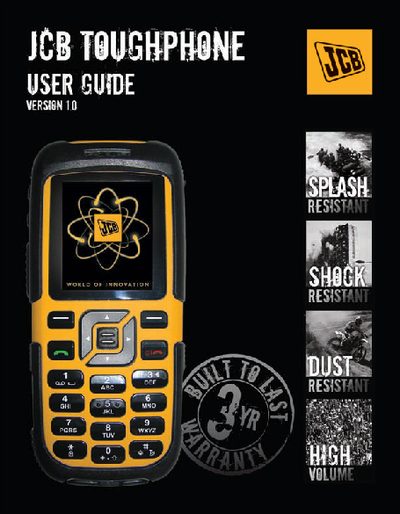
This guide covers everything you need to know to use the JCB TOUGHPHONE, from basic keypad functions and standby mode to advanced settings such as call management, messaging, and Bluetooth connectivity. It also includes safety information, battery handling, and SIM‑card operations.
Detailed sections walk you through menu navigation, phone book management, voice mail, organizer, and file management, helping you make the most of the device’s capabilities while ensuring proper care and compliance with disposal regulations.
| Network bands | GSM/GPRS 900/1800/1900 |
|---|---|
| Underlying model | Sonim Xperience 1 |
The battery must never be placed in municipal waste; use a battery disposal facility if available.
Insert the SIM card as described in the SIM card menu section (see page 20).
Select the Bluetooth option in the menu and choose “Activate Bluetooth”.