
This manual introduces the basic structure and use of POC-3174B-A330 medical panel PC.
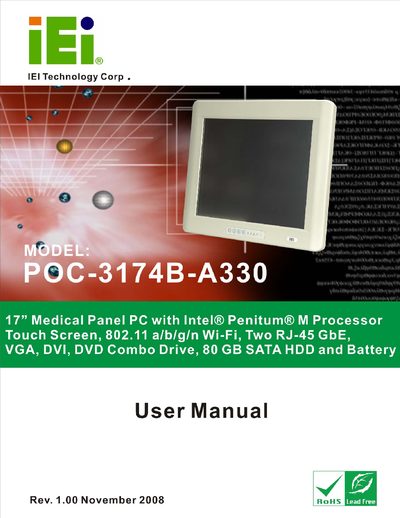
The IEI POC-3174B-A330 Medical Panel PC is a 17‑inch touchscreen computer designed for medical environments. It features an Intel® Penium® M processor, dual Gigabit Ethernet ports, VGA and DVI video outputs, a DVD‑Combo drive, 80 GB SATA hard drive and a built‑in battery.
The manual provides safety warnings, unpacking instructions, a detailed parts list, installation steps, connector descriptions, and system specifications to help users set up and operate the device safely and efficiently.
| Display size | 17" |
|---|---|
| Storage | 80 GB SATA HDD |
| Network interfaces | Two RJ‑45 GbE |
| Video outputs | VGA, DVI |
| Optical drive | DVD Combo Drive |
| Battery | Integrated battery |
Ignoring warnings may cause permanent damage to the device or personal injury.