
Instructions for Use
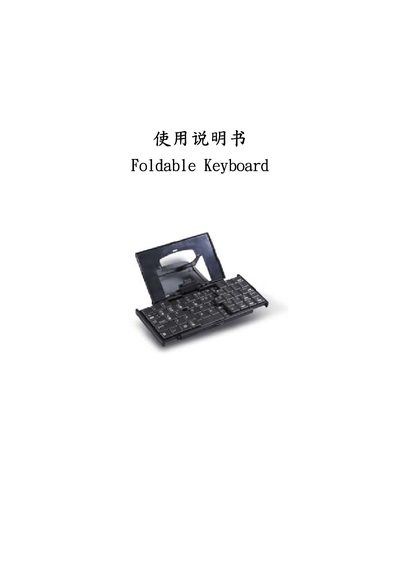
This document is the user manual for the Dell Foldable Keyboard, a compact input device designed for use with Pocket PC devices. It details the physical dimensions and weight of the keyboard in both open and folded states, along with its operating temperature range and power consumption specifications.
The guide provides step-by-step instructions for opening and folding the keyboard mechanism, connecting it to a PDA via the included cradle cable, and installing the necessary software drivers using ActiveSync. It also covers the use of hotkeys for running applications and troubleshooting common issues such as driver installation failures or mechanical malfunctions. This manual is written in Chinese.
| Open Dimensions | 250 x 177 x 73 mm |
|---|---|
| Folded Dimensions | 148 x 96 x 16.6 mm |
| Weight | 200 g |
| Operating Temperature | 60°C to 140°F |
The keyboard weighs 200 g (0.4 lb).
The keyboard measures 250 x 177 x 73 mm (9.8 x 7 x 2.9 inches) when open and 148 x 96 x 16.6 mm (5.8 x 3.8 x 0.7 inches) when closed.
The keyboard weighs 200 g (0.4 lb).