
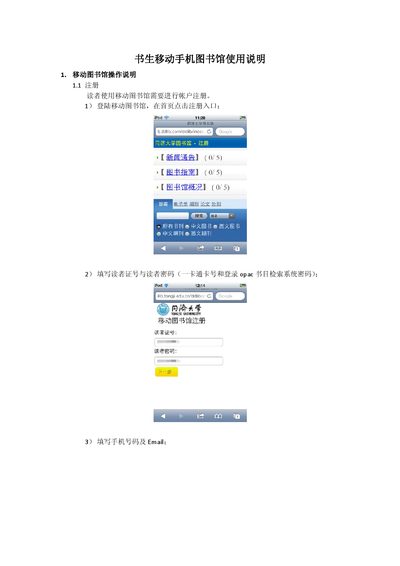
The manual explains how to register the device by entering the phone number, email address and verification code, and how to complete the registration process through the system prompts. It also covers how to configure the device, activate it and change settings after registration.
Additional sections describe the built‑in search functions for locating documents, how to view borrowed information, and troubleshooting common issues such as replacing the handset or accessing library resources on the phone, tablet or other handheld devices. This manual is written in Chinese.
Enter the required information on the new handheld device and follow the system prompts to complete registration.
Enter the borrowing center, view the current borrowed items, and input the PIN to see borrowing dates and related details.
The system supports mainstream handheld devices such as Kindle, iPad and other devices like MP4 or PSP.