
This document is a product manual for the H68, H69 series handheld infrared thermometers, which introduces the principles and functions of non-contact temperature measurement, as well as their applications in various industries.
The H58/H59 series handheld infrared thermometers are designed for non‑contact temperature measurement across a wide range of industries such as oil, chemical, railway, medical, power, metallurgy, textile, plastic, metal processing, and energy saving. The device features adjustable emissivity, max/min/average/temperature‑difference readings, upper/lower limit alarms, and a compact, lightweight design.
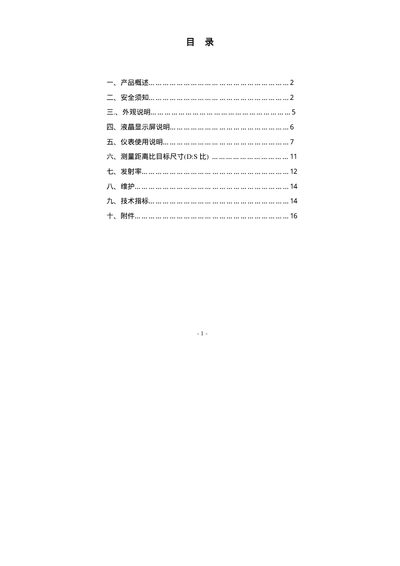
The manual covers safety precautions (laser eye protection, avoiding explosive atmospheres, handling static and electromagnetic interference), detailed descriptions of the instrument’s appearance, LCD display functions, and step‑by‑step usage instructions including manual measurement, Celsius/Fahrenheit conversion, emissivity adjustment, and alarm setting. Technical specifications and accessory information are also provided. This manual is written in Chinese.
| Optical resolution (D:S) | G0:1 |
|---|---|
| Temperature resolution | 0.1°C or 0.1°F |
| Emissivity range | 0.10 ~ 1.00 (preset 0.95) |
| Response time | 300 ms |
| Laser power | < 1 mW |
| Spectral response | 8 µm – 14 µm |
| Power supply | 9V battery |
| Operating temperature range | -10°C to +50°C |
| Operating humidity range | 10% – 80% RH |
| Dimensions | 140 mm × 56 mm × 190 mm |
| Weight | 500 g |
| Data record capacity | 100 groups |
Touch the "C/F" button on the panel to toggle between Celsius and Fahrenheit display.
When the battery indicator appears, the battery is low and should be replaced promptly.
Do not point the laser directly at eyes or at reflective surfaces; the laser is for aiming only.