
Gigabyte's SmartSetup 3 is an all-in-one wireless network setup tool that combines encryption connection tools and wireless network management programs. It can make wireless networks and security settings very easy. Since SmartSetup 3 is pre-installed in the router, users do not need to grope the installation software in the disc, and do not need to grope how to install a secure wireless network. SmartSetup 3 uses Wireless Protected AccessTM (WPA) to defend your network security and uses its built-in G-EzLink management program to easily control your wireless connection at the fastest speed. Gigabyte's SmartSetup 3 technology is undoubtedly the simplest and safest way to build a secure wireless network.
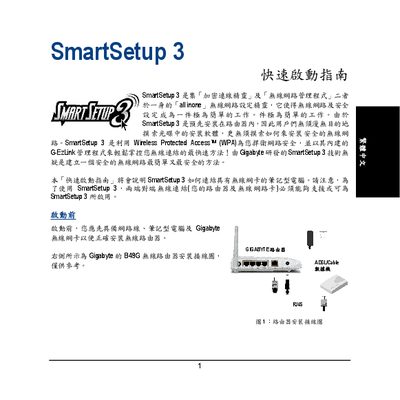
The SmartSetup 3 utility combines network configuration and security management into a single tool, making it easy to configure a Gigabyte router and protect the wireless connection. It is pre‑installed on the router, so users only need a laptop with a compatible Gigabyte wireless card to begin the setup.
The guide walks through installing the driver, launching the GEzlink utility, selecting the desired SSID (default is GIGABYTE), and creating a WPA password of 8‑63 characters. After confirming the settings, the router automatically generates the wireless network and displays the connection details. This manual is written in Chinese.
| Default SSID | GIGABYTE |
|---|---|
| Supported Security | WPA (WiFi Protected Access) |
| Password Length | 8 to 63 characters |
The router’s preset SSID is GIGABYTE.
The password may be between 8 and 63 characters long.
SmartSetup 3 automatically starts the GEzlink utility, which appears in the PC taskbar.
You need a network connection, a laptop, and a Gigabyte wireless card.