
Microsoft SQL Server 2008 RC0 QFE Installation Guide

Describes the installation method of SQL Server 2008 RC0 QFE
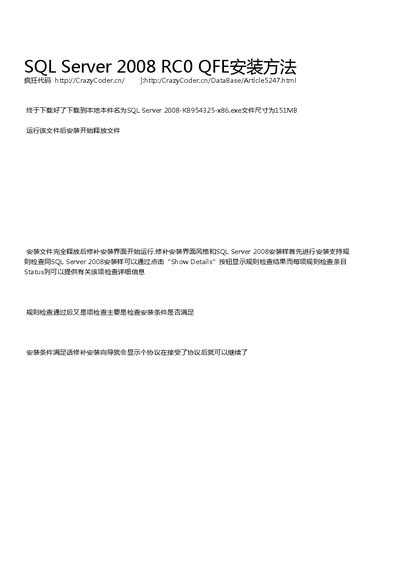

Microsoft SQL Server 2008 RC0 QFE Installation Guide - cover page
Brand
SQL
Category
Application program
Document type
Installation Guide
Language
Chinese
Pages
2
File format
PDF
File size
81 KB
Published
04 January, 2012
Updated
30 September, 2023
MD5 checksum
4789A0A778FE785749A01BE6C3C7ABB8

About this manual

This document, published on CrazyCoder.cn, provides a step-by-step walkthrough for installing the SQL Server 2008 RC0 QFE update (KB954325). It covers downloading the 151 MB executable, extracting files, and launching the patch installer.

The guide details the installation wizard screens: support rule checks, license agreement acceptance, selection of SQL Server instances and components to patch, final confirmation, and the post-installation summary page that includes the installation log path. This manual is written in Chinese.

What's inside

  • Downloading the QFE file
  • Running the installer and extracting files
  • Installation support rules check
  • Accepting the license agreement
  • Selecting SQL Server instances and components
  • Confirming patch settings
  • Performing the patch installation
  • Viewing installation results and log path

Specifications

File size151 MB
Architecturex86 (32-bit)
Product versionSQL Server 2008 RC0

Frequently asked questions

How large is the download file?

The file size is 151 MB.

Where can the installation log be found after completion?

The installation result page displays the installation log path.

Download PDF (81 KB)

More SQL Manuals


View all SQL manuals →