
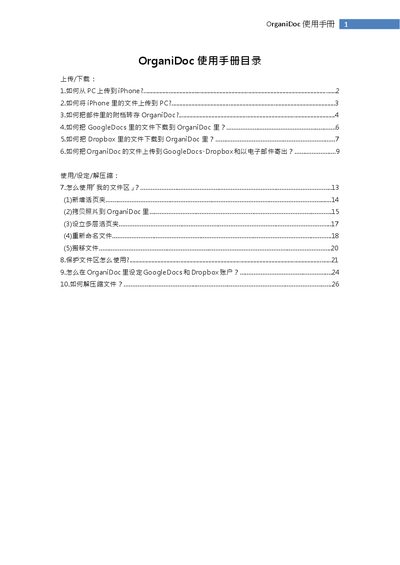
OrganiDoc 2.5.0 is an iPhone app for managing files. This Simplified Chinese user manual describes how to move files between a PC and iPhone using iTunes file sharing.
It also covers saving email attachments into OrganiDoc, downloading files from GoogleDocs and Dropbox, uploading OrganiDoc files to those services or by email, organizing the My Files area, and unzipping compressed files. This manual is written in Chinese.
Connect iPhone to the computer, open iTunes, select the iPhone and Apps field, drag the files into the OrganiDoc documents field, then sync.
Open Cloud Space, enter Dropbox, choose a folder and file, then select Download to My Files and copy it into the desired folder.