
AJB-AL300 V3.0 Communication Host User Guide, mainly introduces the use methods of keyboard arming, keyboard disarming, single device operation, stopping current alarm, stopping current alarm display, keyboard display instructions, and function operation.
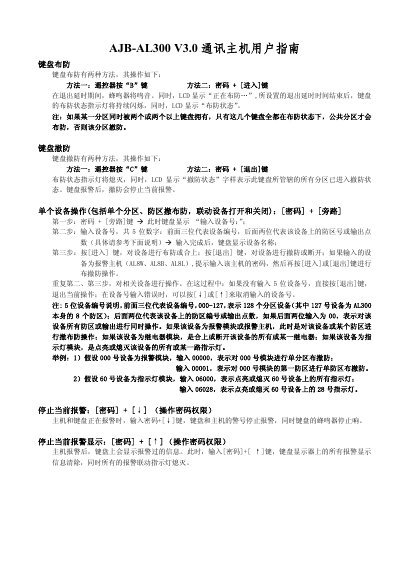
The AJB AL300 V3.0 is an alarm keypad that can arm and disarm multiple zones and control connected devices. It displays status information on an LCD and provides audible alerts.
The manual details how to arm the system using the remote‑control B key or a password plus the [Enter] key, how to disarm with the remote‑control C key or password plus the [Exit] key, how to operate individual devices, and how to stop an active alarm by entering the password and pressing the [Down] key. This manual is written in Chinese.
| Maximum device number | 127 (128 devices) |
|---|---|
| Device number format | 5 digits (3‑digit device ID + 2‑digit zone/output) |
Press the remote‑control B key, or enter the password followed by the [Enter] key.
Press the remote‑control C key, or enter the password followed by the [Exit] key.
Enter the password and press the [Down] key; the keypad and host will stop sounding.