
This manual is the user manual for Haier notebook computers. It introduces the features, functions, usage details and techniques of notebook computers, as well as how to use notebook computers in work and travel.
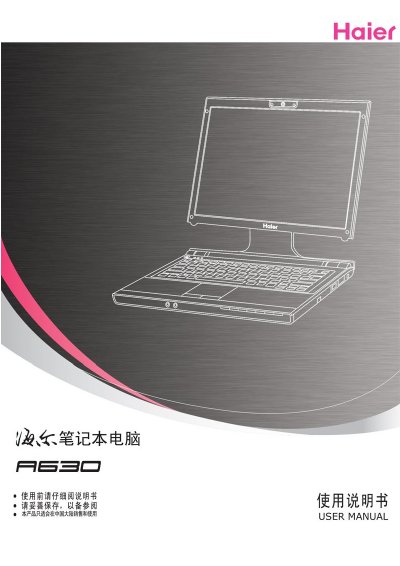
This user manual for the Haier A630 laptop explains the computer's features and functions, daily use details and tips, and how to use it at work and while traveling. It also describes PCI Express cards and the various interfaces, and how to configure the BIOS to get the best performance and other basic settings.
The manual includes safety precautions, care and operating guidelines, power and battery notes, and instructions for travel. Later chapters cover getting to know the laptop, daily maintenance and travel, peripherals and memory upgrades, and the BIOS setup program, followed by an appendix. This manual is written in Chinese.
| Power adapter input | 100 to 240 V |
|---|---|
| Optical disc drive | Class 1 laser product |
Use only the dedicated or approved AC/DC adapter supplied with the computer; the included adapter works from 100 to 240 V.
Never apply cleaner directly to the computer; wipe it with a clean, soft cloth and avoid abrasive cleaners.
No. Replace it only with the same type or an equivalent grade recommended by the manufacturer, because an unsuitable battery can explode.
Shut the computer down completely and remove the battery before putting it into a travel bag, so the ventilation openings are not blocked.