
This is the instruction manual for Web Caster 3100SV
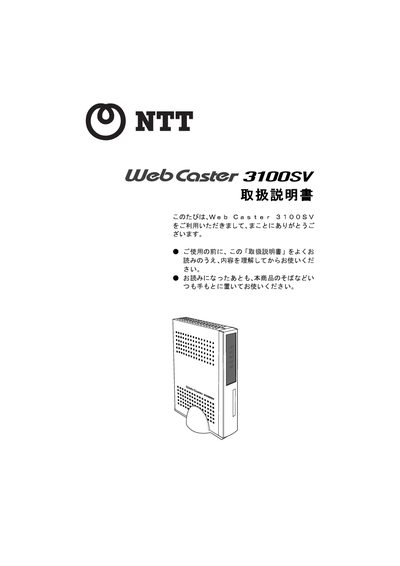
This manual explains the safety precautions required when using the Web Caster 3100SV, including warnings about water, liquids, electrical shock, fire hazards, and proper placement of the unit. It also details the legal restrictions for export, the need for qualified installation work, and the prohibition of disassembly or modification.
The guide covers step‑by‑step installation, wiring, and configuration of ADSL, LAN, telephone, and wireless LAN functions, as well as the device’s specifications, firmware updates, and support contacts. It includes a full specifications table and information on warranty, maintenance services, and proper disposal. This manual is written in Japanese.
| ADSL interface | RJ-11 connector |
|---|---|
| ADSL standard | Quad Spectrum, ITU‑T G.992.1 Annex I / Annex C, ITU‑T G.992.2 Annex C |
| LAN interface | RJ-45 connector |
| LAN speed | 100 Mbps / 10 Mbps |
| Power consumption | ≤15 W |
| Dimensions (W×D×H) | 73 mm × 153 mm × 213 mm |
| Operating temperature | 5 °C – 40 °C |
| Operating humidity | 5 % – 85 % (non‑condensing) |
No. The product is designed for use only in Japan and no maintenance or technical service is offered in foreign countries.
Only the supplied AC power adapter may be used; other adapters must not be used.
Dispose of the product according to local municipal regulations.